

Building a plotter (part 3)
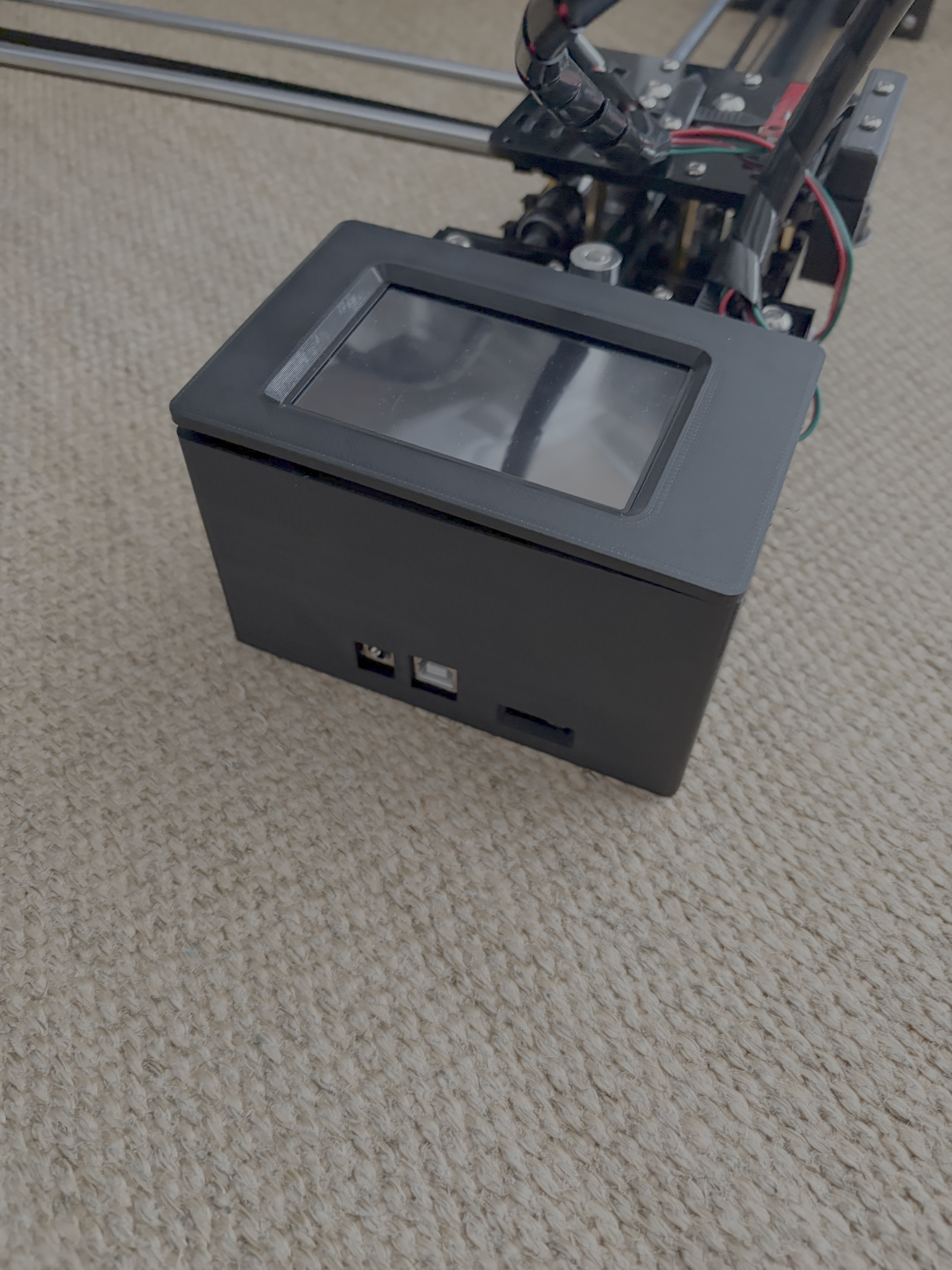
There is a problem I have been hinting at from part 1.
FluidNC does not support the touch screen on the Makerbase MKS DLC32.
There are good reasons for this. You are entitled to disagree with the reasons, but they are valid.
The number one issue is that not all of the hardware that FluidNC wants to support are powerful enough to drive a display let alone drive one that has touch.
The direction the FluidNC developers want users to follow is to use something like FluidDial which has a dedicated controller. That lets FluidNC concentrate on just driving the motion and then a separate controller provides the optimised display communicating with the FluidNC.
But… my Makerbase MKS DLC32 is powerful enough to drive both… just the stock firmware doesn’t have servo support and only supports GRBL 0.9.
This used to be a problem that could only be solved by many long nights ignoring your friends and family trying to port the functionality by hand.
But we are in the agent era. Let’s just get the agent to do it!
To start I took an old iPhone and enabled it for continuity camera and I got the agent to write a CLI tool to capture from the continuity camera to a file on disk.
Then I set up the iPhone to look at the Makerbase and start from the stock firmware.
I left Codex overnight…
By morning it was ready for me to test the touch functionality. The only issue with touch was that it needed sensitivity tuning to stop false click detection while dragging.
If you are interested in the changes: my fork.
All in all, I was very impressed with the agent getting this done. I could have ported the changes myself, if I had a few weeks to spare.
Now to start actually using the plotter!